Write each letter
One box at a time, on guide lines that keep your letters sitting where they should. Lift the pen and Inkfont moves on to the next box. Accents, the doubles and the extra shapes are filled in for you.
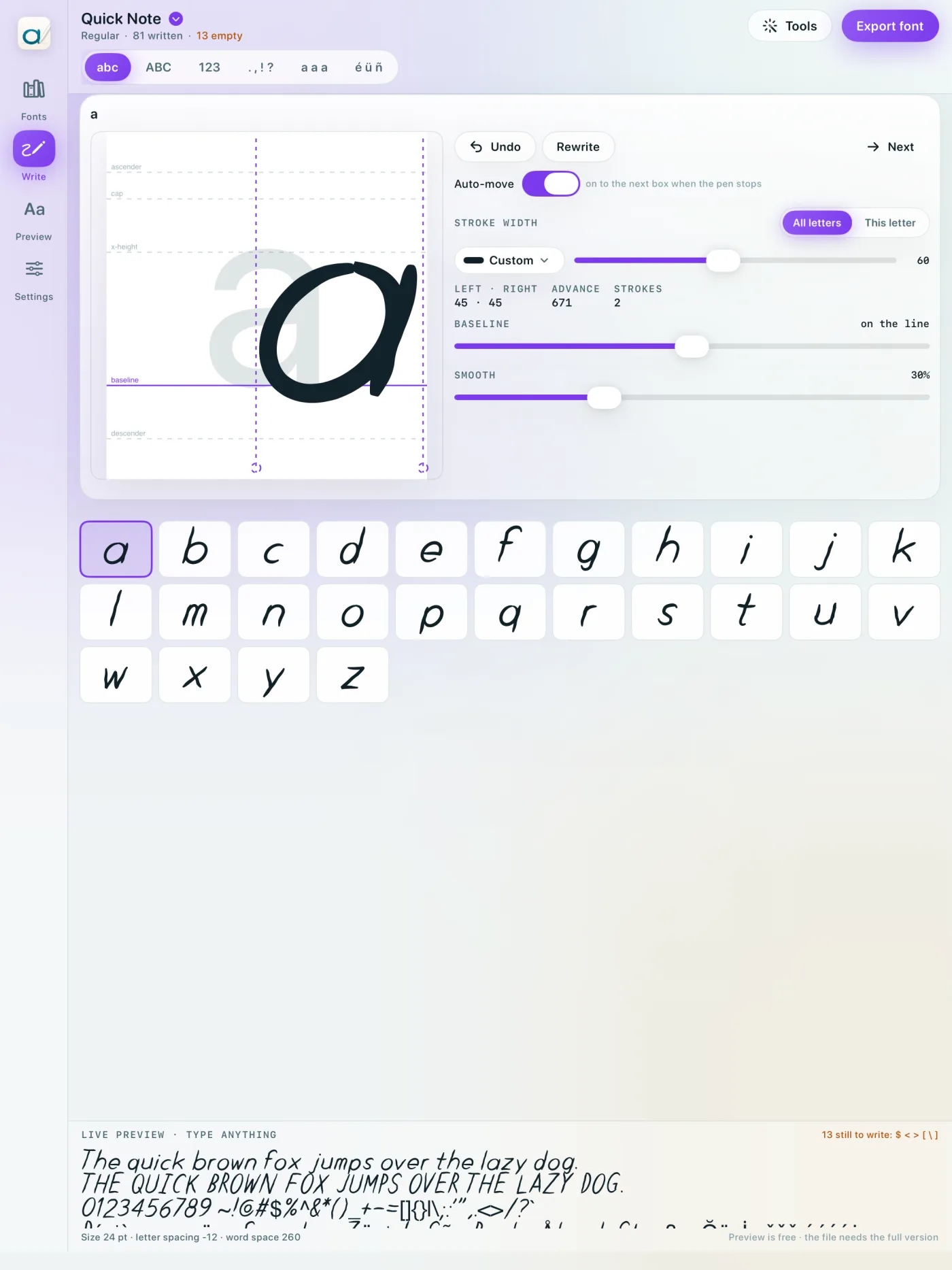
Write the alphabet once with Apple Pencil. Inkfont turns every stroke into a real font you can type in right away and use in Pages, Keynote, Canva, Cricut and anywhere else that has a font menu.
This box uses a font made with Inkfont from the built-in sample alphabet. Type anything, then change the weight, size and ink. Your own font works the same way.
Every letter here is real outline data from the same engine the iPad app uses, not an image.
One box at a time, on guide lines that keep your letters sitting where they should. Lift the pen and Inkfont moves on to the next box. Accents, the doubles and the extra shapes are filled in for you.
The font is rebuilt as you write. A live preview runs along the bottom of the screen, and ready-made layouts show it as a note, an invitation, a business card or a shopping list.
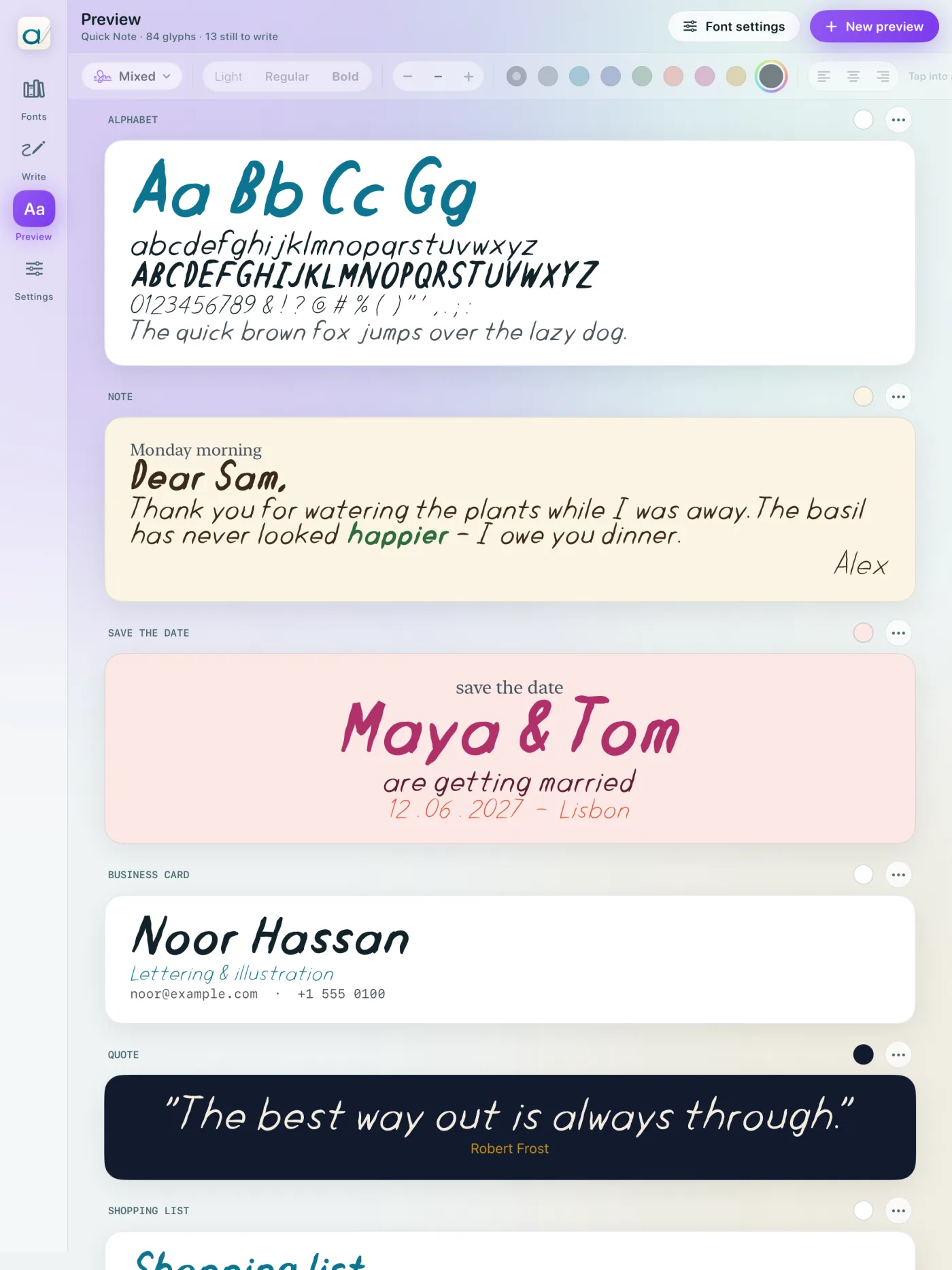
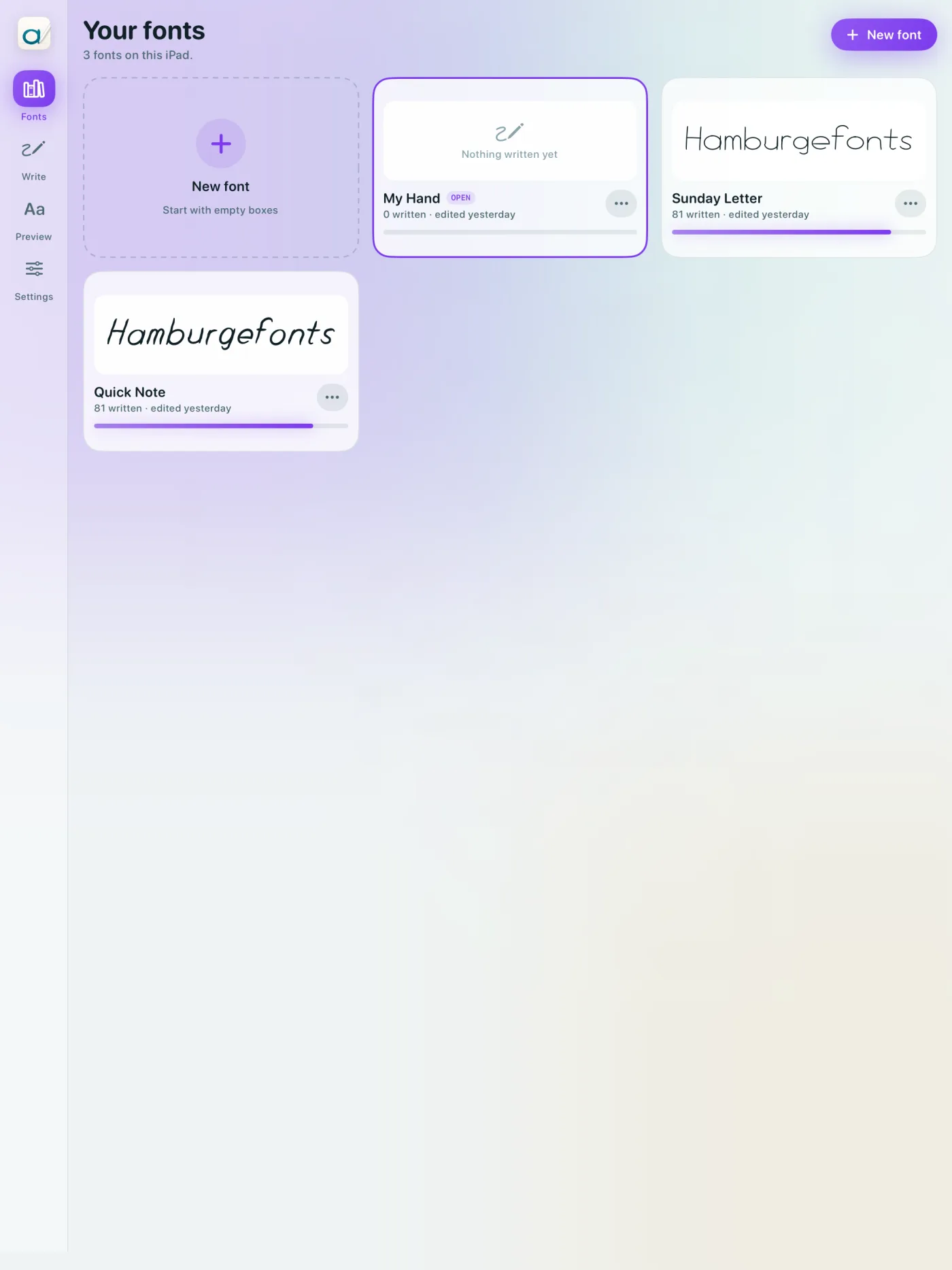
Install it on your iPad or share it as a file. Keep as many fonts as you like (your neat hand, your quick hand, your kid's hand) and switch between them from the library.
Pressure, wobble, the letters you never write the same way twice. Inkfont doesn't tidy your handwriting into a typeface. It keeps it looking like you.
One alphabet gives you three weights, named properly so apps can find them as one family.
Write up to three shapes of a letter and Inkfont rotates between them so a word doesn't look stamped.
Prefer pen and paper? Print the sheets, fill them in, and scan them with the camera.
Write it up to three times, pick the best one, and it's built into the font.
Letter pairs are measured from their shapes and evened out, and you can adjust any pair by hand.
Every font gets a card shown in its own handwriting. Make new ones, duplicate one to try a variation, rename or delete.
Install it on your iPad and it shows up in Pages, Keynote and Numbers. Or share the files for your Mac, PC, website or cutting machine.
No account, no upload, no analytics. Your handwriting is stored on your iPad as ink, the font is built on your iPad, and the file is yours to keep.
See exactly how your hand looks as a font before you pay anything. No subscription.
Everything you need to make your font and see it.
A single in-app purchase unlocks the files, for good.
Inkfont is made for one. The Pencil's pressure sets the weight of each stroke, so heavy down-strokes and light up-strokes come out the way you wrote them. A finger works too, with a natural taper at each end of a stroke.
About 94 boxes: lower case, capitals, numbers and punctuation. Most people finish in 20–30 minutes. Accented letters are built from your own letters and marks, so you don't write those separately.
Install it on your iPad (iPadOS asks you to confirm) and it appears in every app with a font menu. Or share the TrueType files to a Mac or PC, use the web font on a website, or send the single-line version to a Cricut or Silhouette.
It's left out of the file rather than exported blank, so apps fall back to another font instead of leaving a gap. The app shows how many letters are left and which ones.
Yes, as many as you like. Each one has its own pen, spacing and settings, and you switch between them from the Fonts library.
No. There's no account and no analytics. Everything stays on your iPad. See the privacy policy.